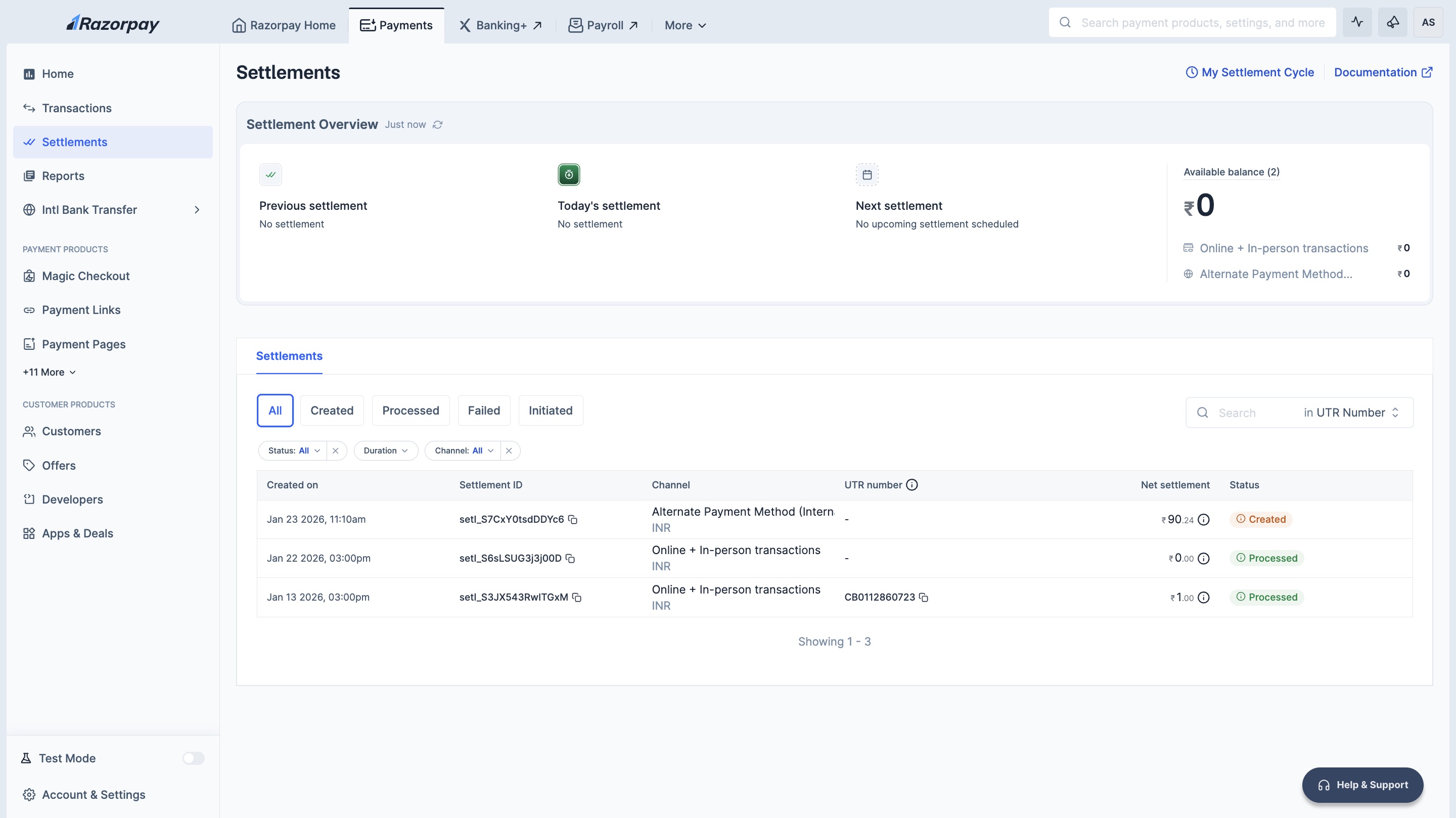
View Settlement Details
To view settlement details:- Log in to the Dashboard.
- Click Account & Settings and navigate to Settlement details under Business accounts and settlements section.
- You can view the following information:
- Settlement Details: Click View Settlement Cycle to view default and other settlement cycles.
- Available Balance: After the deduction of fees and tax, the payments received from your customers are added to your Available Balance.
- Next Settlement: Date and time of next settlement.