

Prerequisites
Create a Google Tracking ID.Add Google Tracking ID to Your Payment Page
To add Google Tracking ID to your Payment Pages:- Navigate to your Payment Page/Webstore in the edit mode.
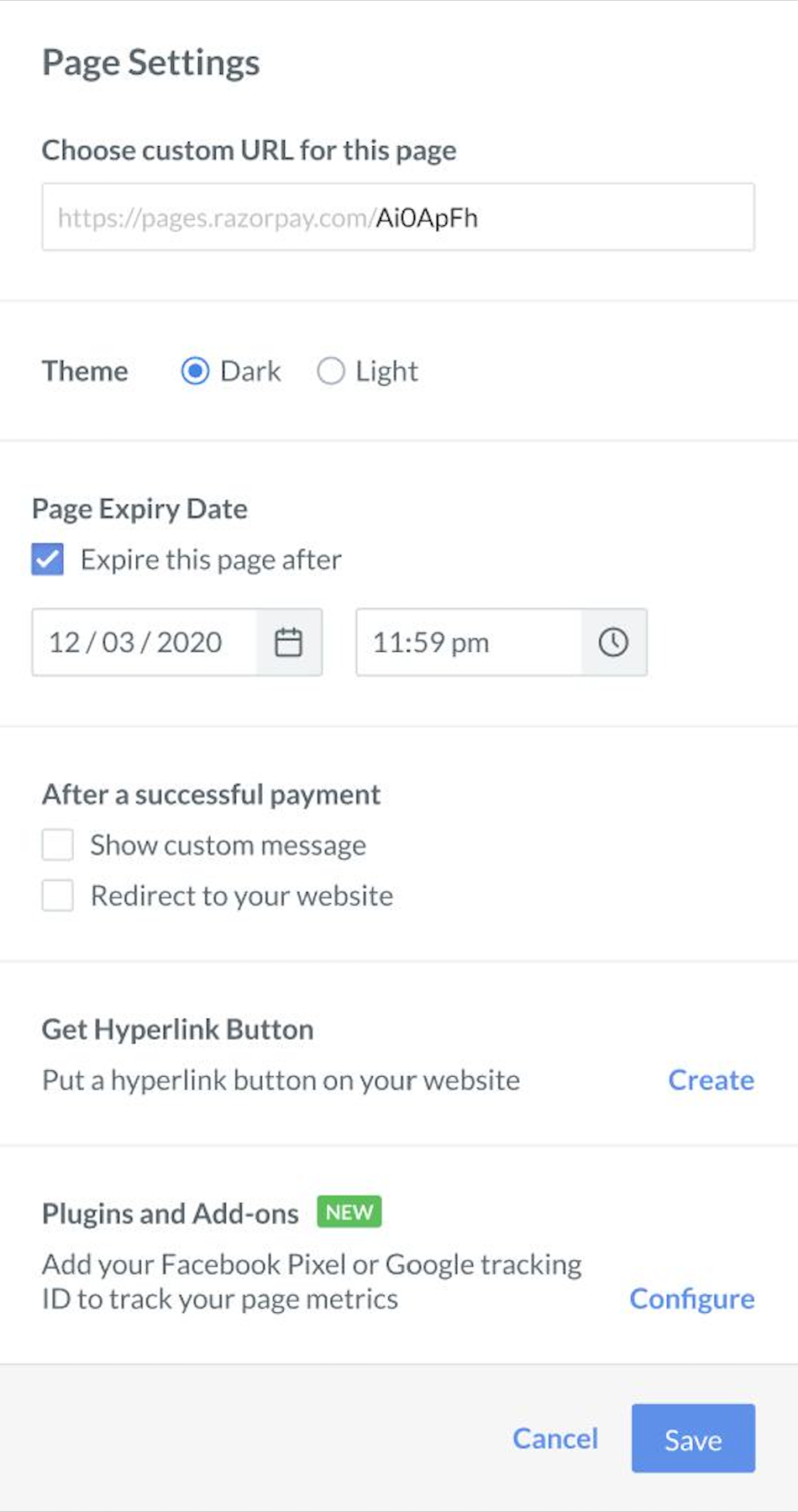
- Click Page Settings.
- Go to Plugins and Add-ons and click Configure.
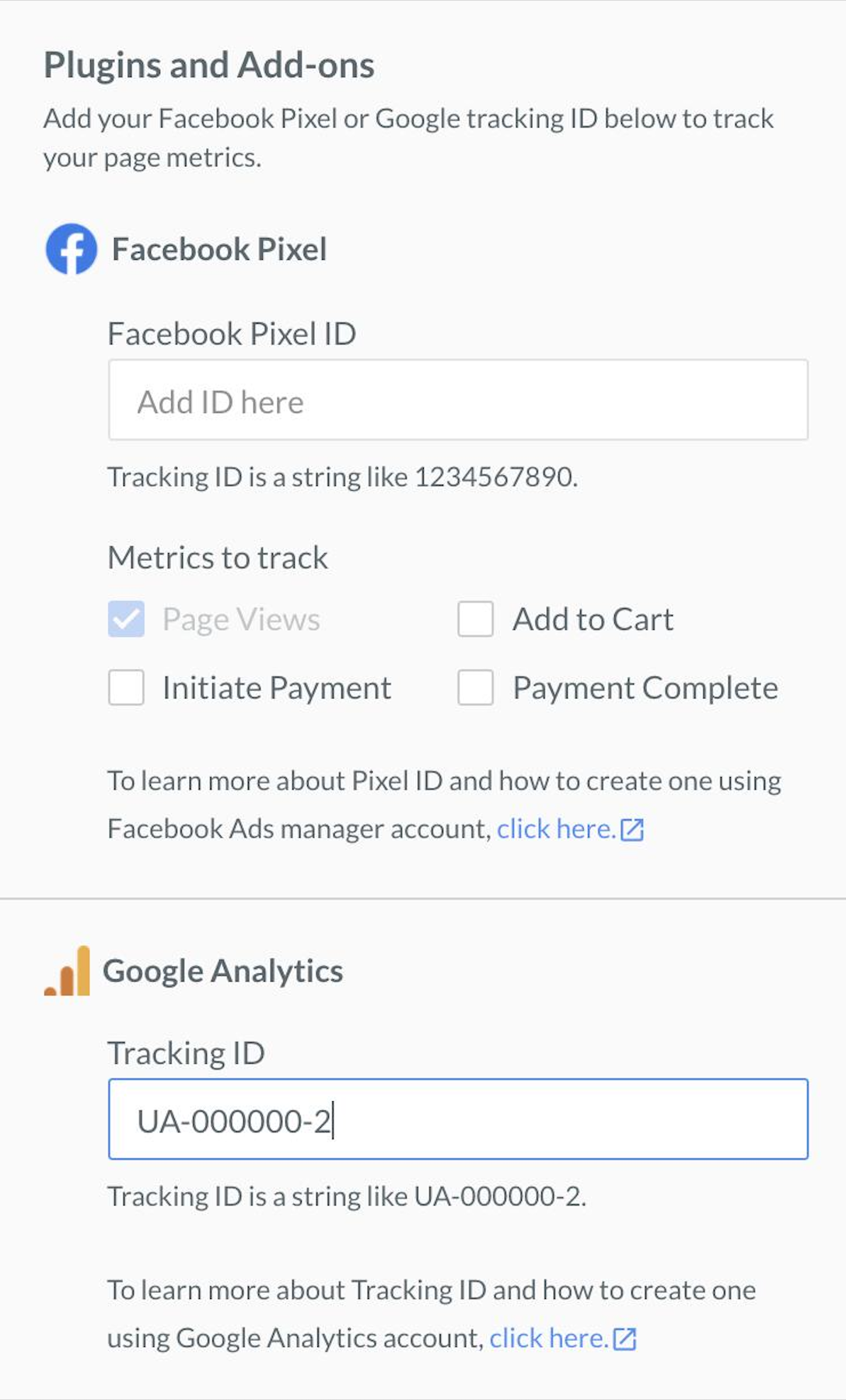
- Add the Tracking ID to track the page views.
- Click Save.