

Refund Checklist
- Ensure you have sufficient nodal balance to create a refund.
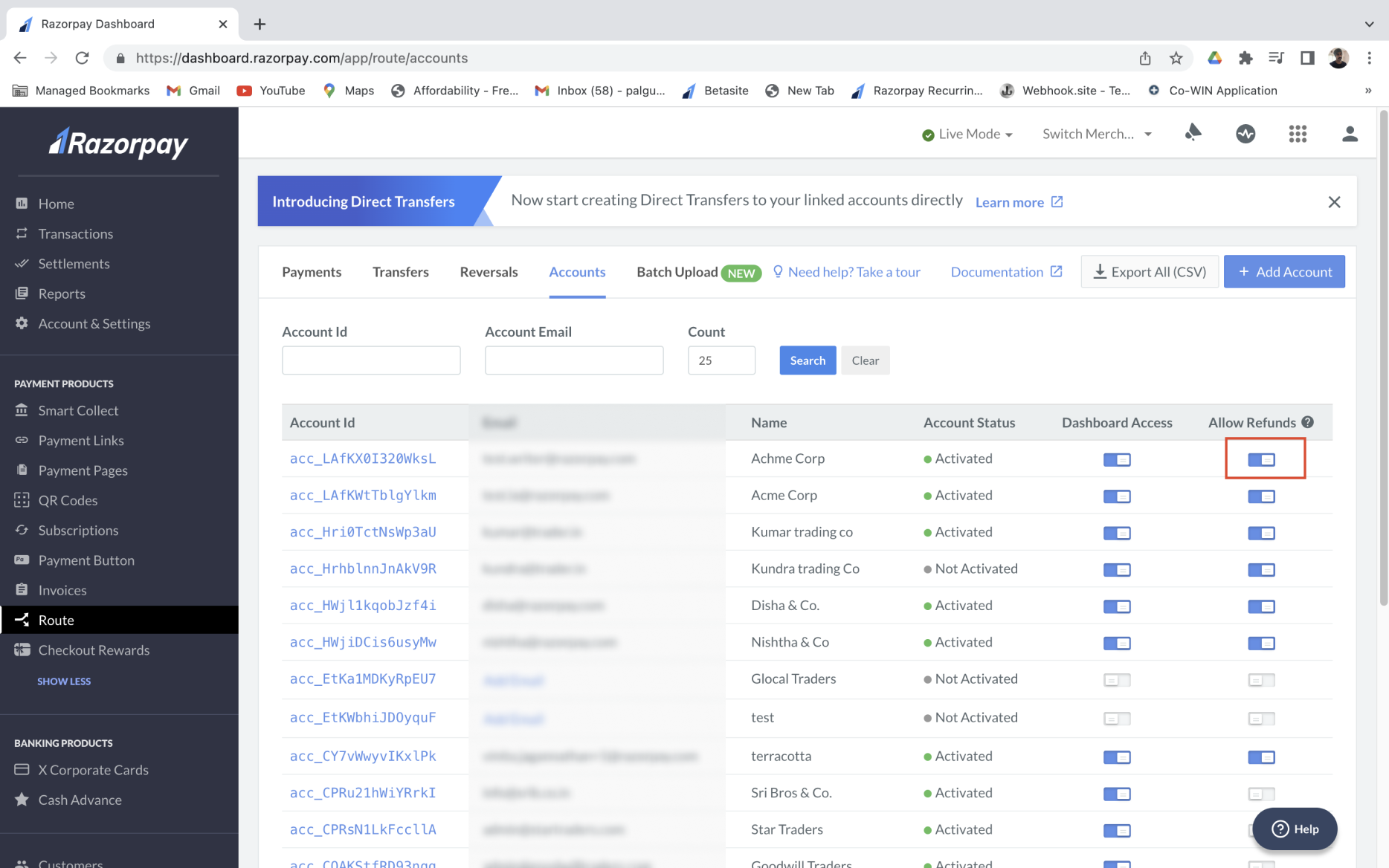
- To allow refund capability for an existing account, go to the Accounts tab and enable the Allow Refunds option against the relevant account.
Initiate Refund
See how you can initiate the following types of refunds from your Dashboard.Individual Refund
Individual Refund
To issue an individual refund:
- Log in to the Dashboard and click Route under PAYMENT PRODUCTS.
- Go to the Transfers tab.
- Select the Refund to Customer option.
- Enter the refund amount and add a description in the Notes field.
Full Refund
Full Refund
To initiate a full refund: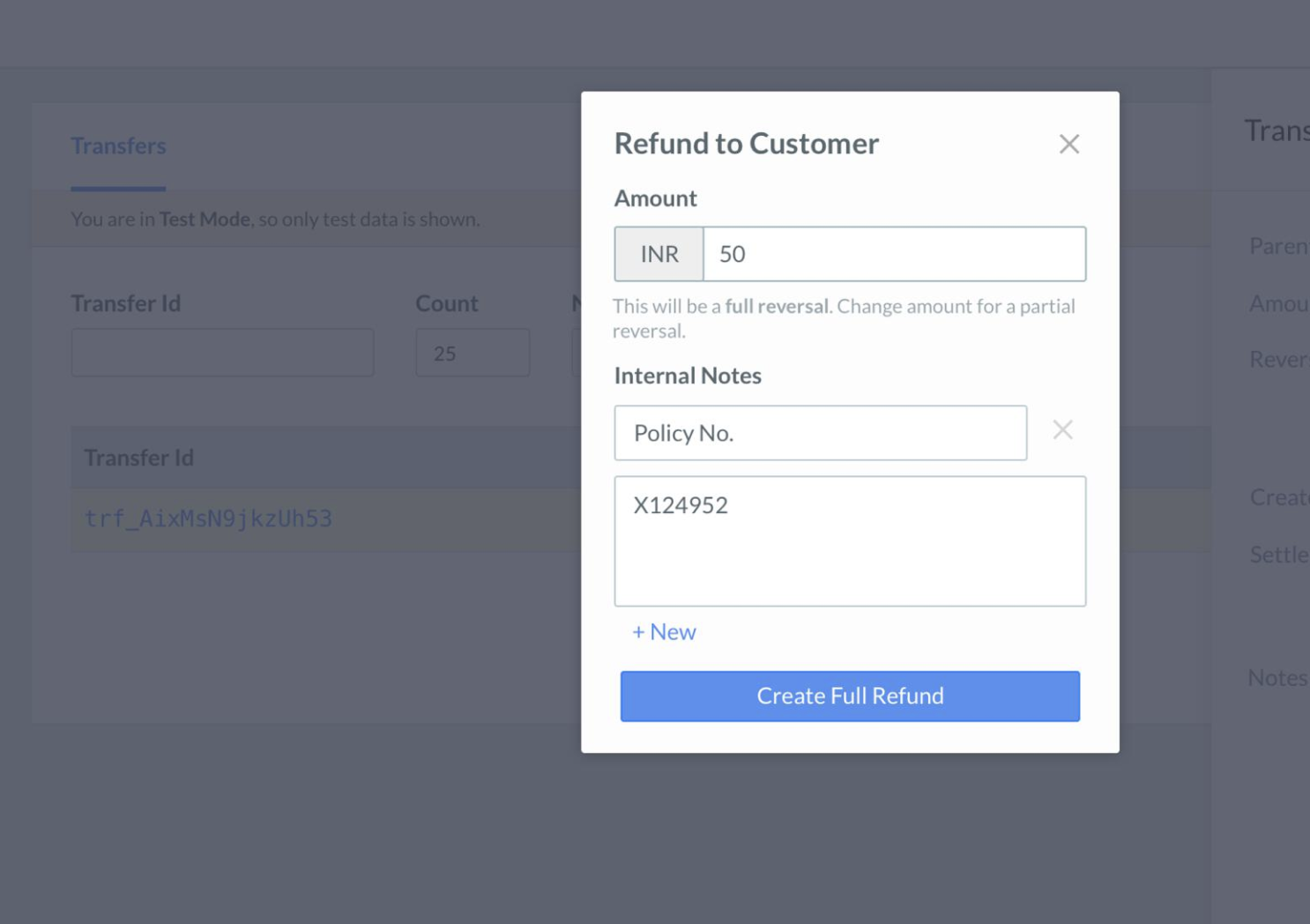
- Enter the full transaction amount.
- Click Create Full Refund.
Partial Refund
Partial Refund
To initiate a partial refund: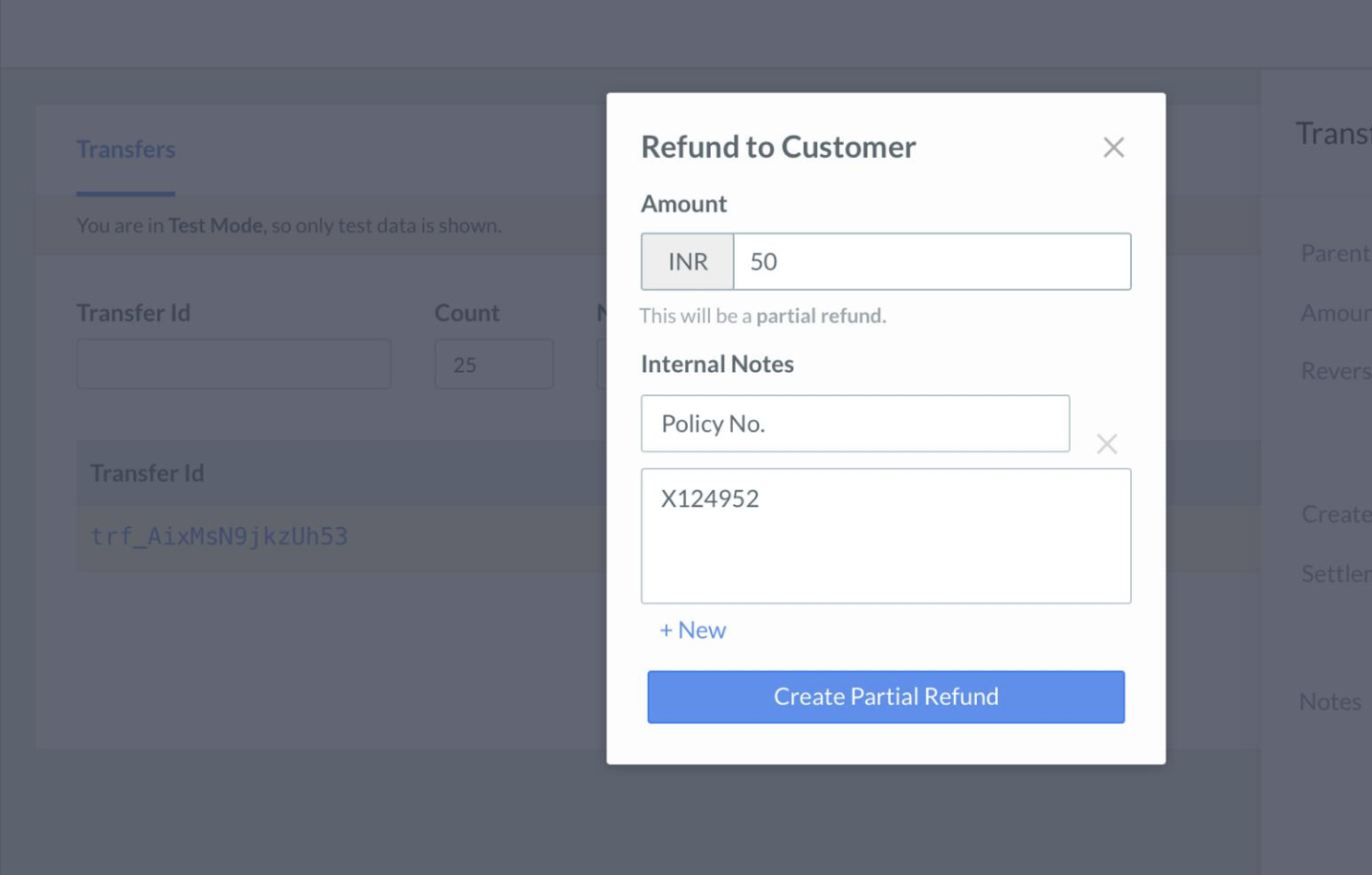
- Enter an amount lower than the total transaction value.
- Click Create Partial Refund.
Batch Refund
Batch Refund
Using Batch refund, you can process a large volume of refund from the Linked Accounts Dashboard.To initiate batch refund:
- Download the Batch Refund Format - Click the download button to obtain the .csv format, wherein the transaction details can be entered.
- Enter the necessary information in the file.
- Upload the Batch Refund Format - After entering all the necessary details, upload the file.