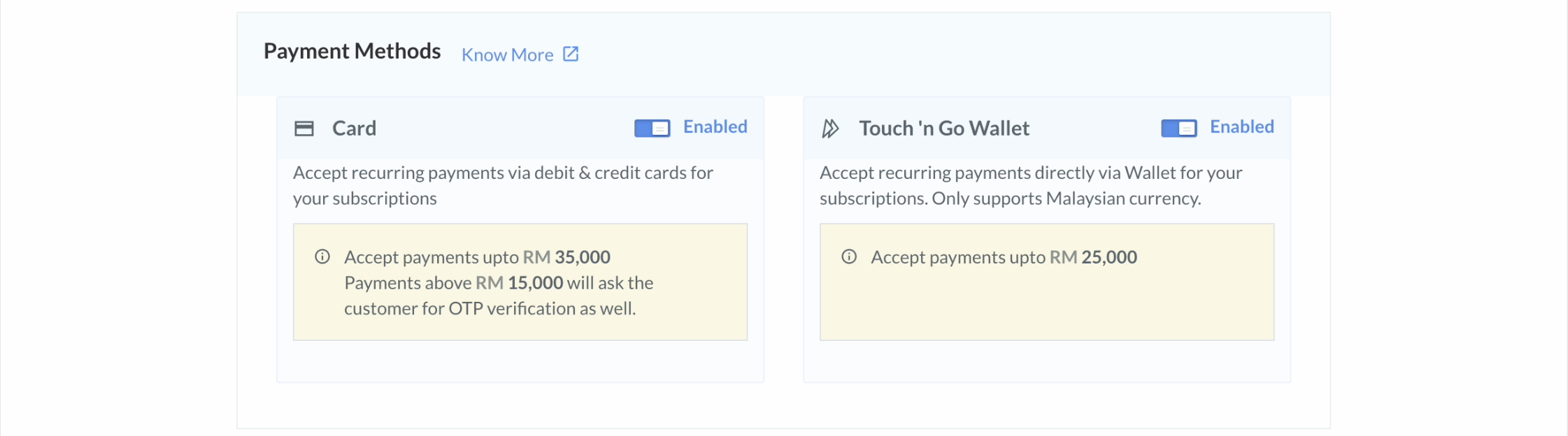
Handy TipsCards and Wallets (Touch’n Go) currently support recurring payments up to RM 25,000.
Enable Payment Methods
To enable payment methods:- Log in to the Dashboard and click Subscriptions under PAYMENT PRODUCTS in the left menu.
- Go to Settings.
-
Enable the payment methods.
- Card: Enable this to accept recurring payments via cards for your Subscriptions.
- Touch’n Go: Enable this to accept payments through the Touch’n Go wallet when a recurring charge is less than RM 25,000.