

issued state. A customer cannot make payments for the cancelled invoices. Know more about invoice states.
Cancel an Invoice From Dashboard
To cancel an invoice:- Log in to the Dashboard.
- Click Invoices.
- Search for the invoice that you want to cancel using the search criteria. You can cancel invoices which are in
draftorissuedstate. - Select the Invoice Id.
- On the right-hand side panel, click the Cancel Invoice button.
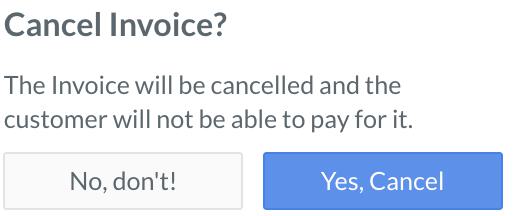
- On the Cancel Invoice? dialog box, click Yes, Cancel to confirm the cancellation.
 The cancelled invoices display a Cancelled status label.
Cancel an Invoice Using APIs
You can cancel an unpaid invoice inissuedstate using this API.