

draft invoice can be issued to any one of the listed customers. Know more about invoice states.
Issue an Invoice From Dashboard
To issue an invoice:- Log in to the Dashboard.
- Click Invoices.
- Search for the Draft invoice that you want to issue using the search criteria.
- Select the Invoice Id.
- On the right-hand side panel, click Finalize and Issue.
- You can choose to send the invoice either by SMS or email or both by selecting the mobile number and email address.
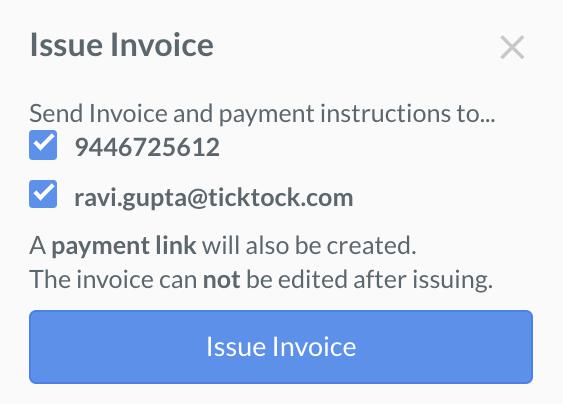
- Click Issue Invoice.
This sends the invoice to the customer along with a short URL called Payment Link using which the customer can make the payment.
Issue an Invoice Using API
You can issue adraft invoice using this API.