

Duplicate an Invoice From Dashboard
To duplicate an invoice:- Log in to the Dashboard.
- Click on Invoices.
- Search for the invoice for which you want to create a duplicate copy using the search criteria.
- Click on the Invoice ID.
- On the right-hand side panel, click the Duplicate Invoice button.
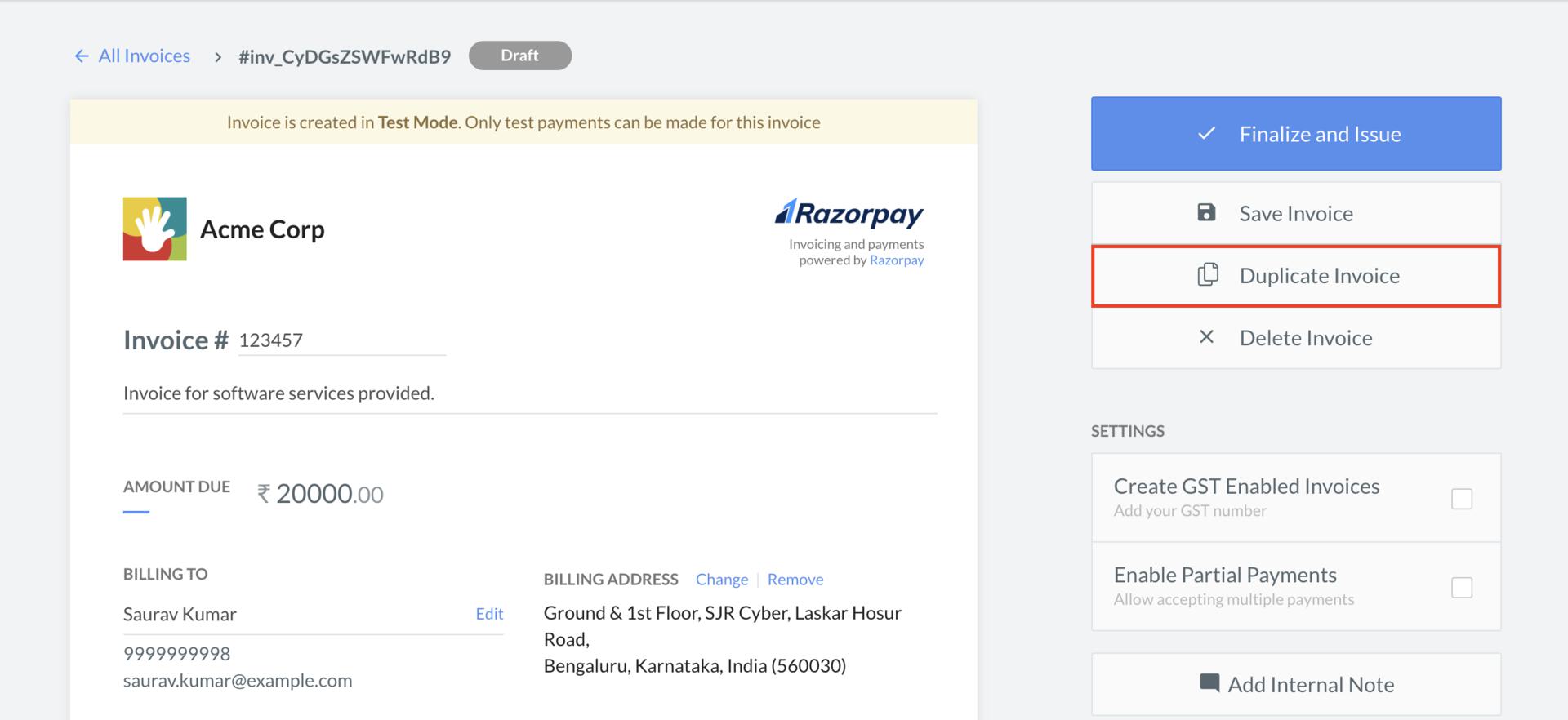 This duplicates the invoice.
Edit a Newly Created Invoice
To edit a newly created invoice:- In the New Invoice draft view, make the necessary changes. For example, you can choose a different Item or change the billing address.
- Click Save to save the invoice as a
draftor click Finalize and Issue to save and issue the invoice to the customer.