When to Use a Payment Gateway
You should consider integrating with a payment gateway if:- You have a website
- You have a mobile app
Handy TipsDo not have a website or mobile app? You can still accept payments by using other Razorpay Curlec products such as Payment Links.
Steps to Generate API Keys
Follow these steps to generate API keys after creating an account.- Log in with your Dashboard credentials.
- Under the Accept Payments section, tap Payment Gateway.
- Tap Generate API Key.
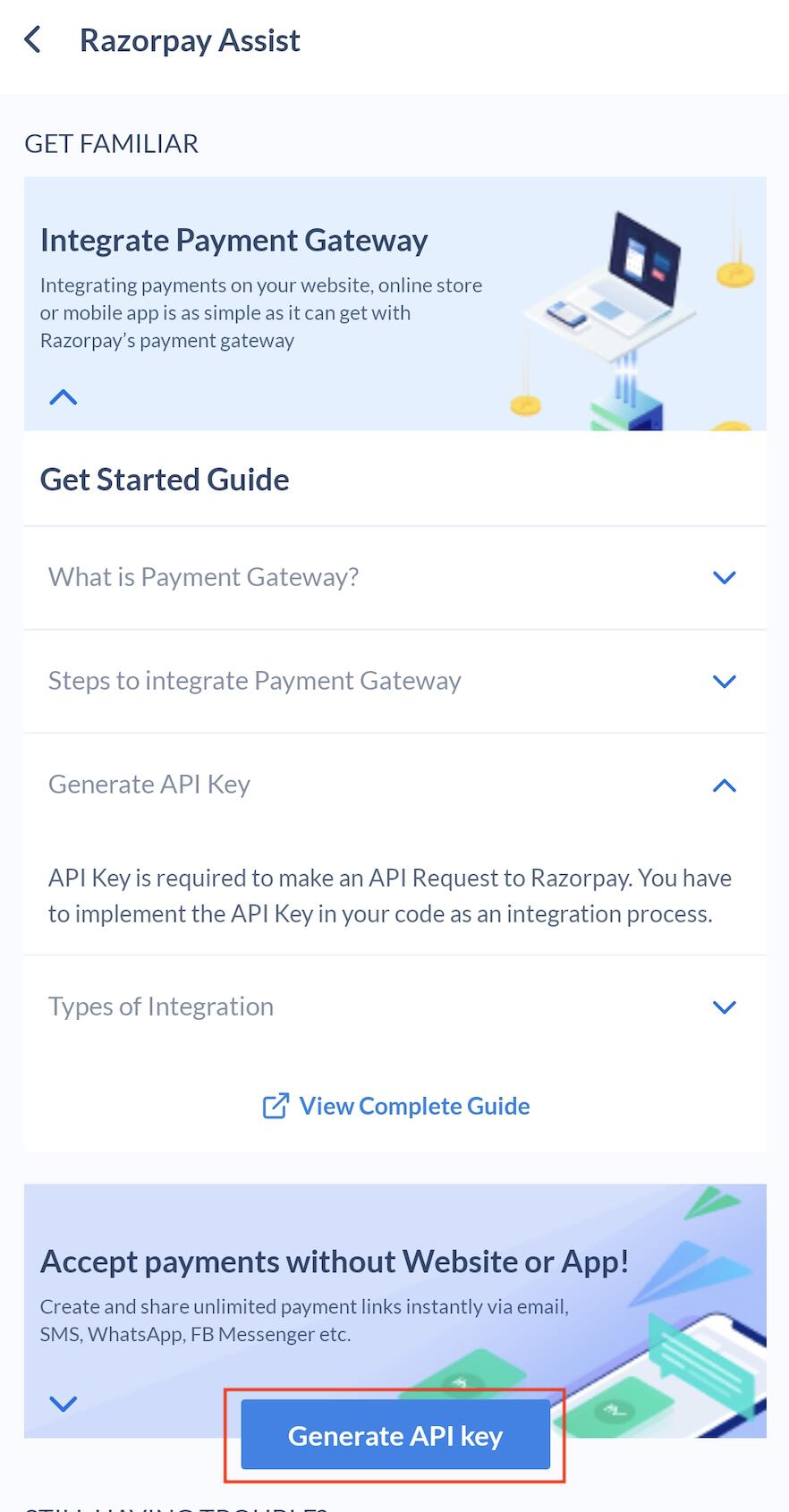
- The Website/App URL submitted during onboarding appears. Review the URL and tap Generate API Key.
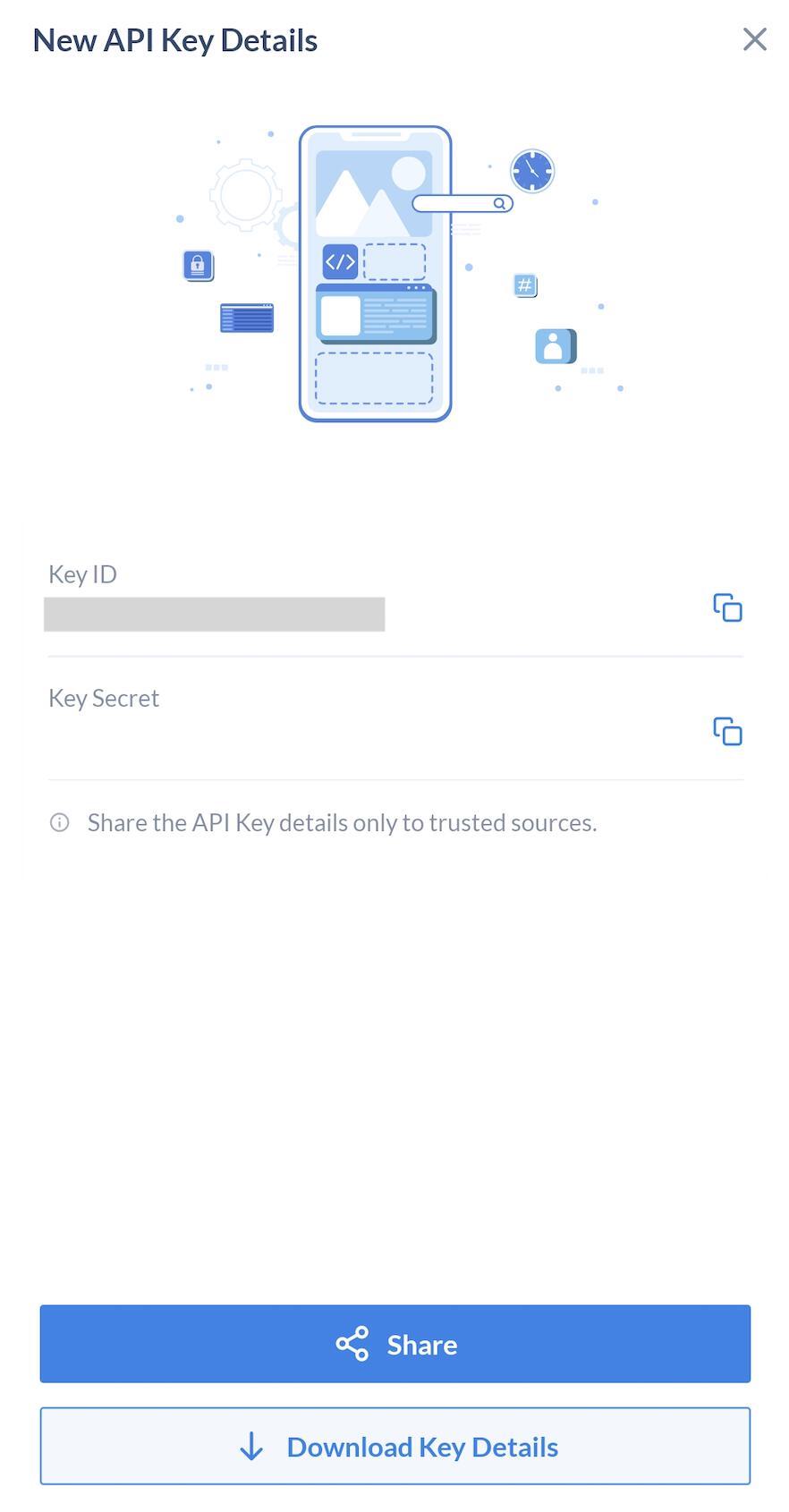
- Key ID and Key Secret appear on the screen. Tap Download Key Details to save the ID and Secret on your device. Tap Share to send API Key details only to trusted sources.