

How to View and Track Payments
Follow these steps to track payments:- Log in with your Dashboard credentials.
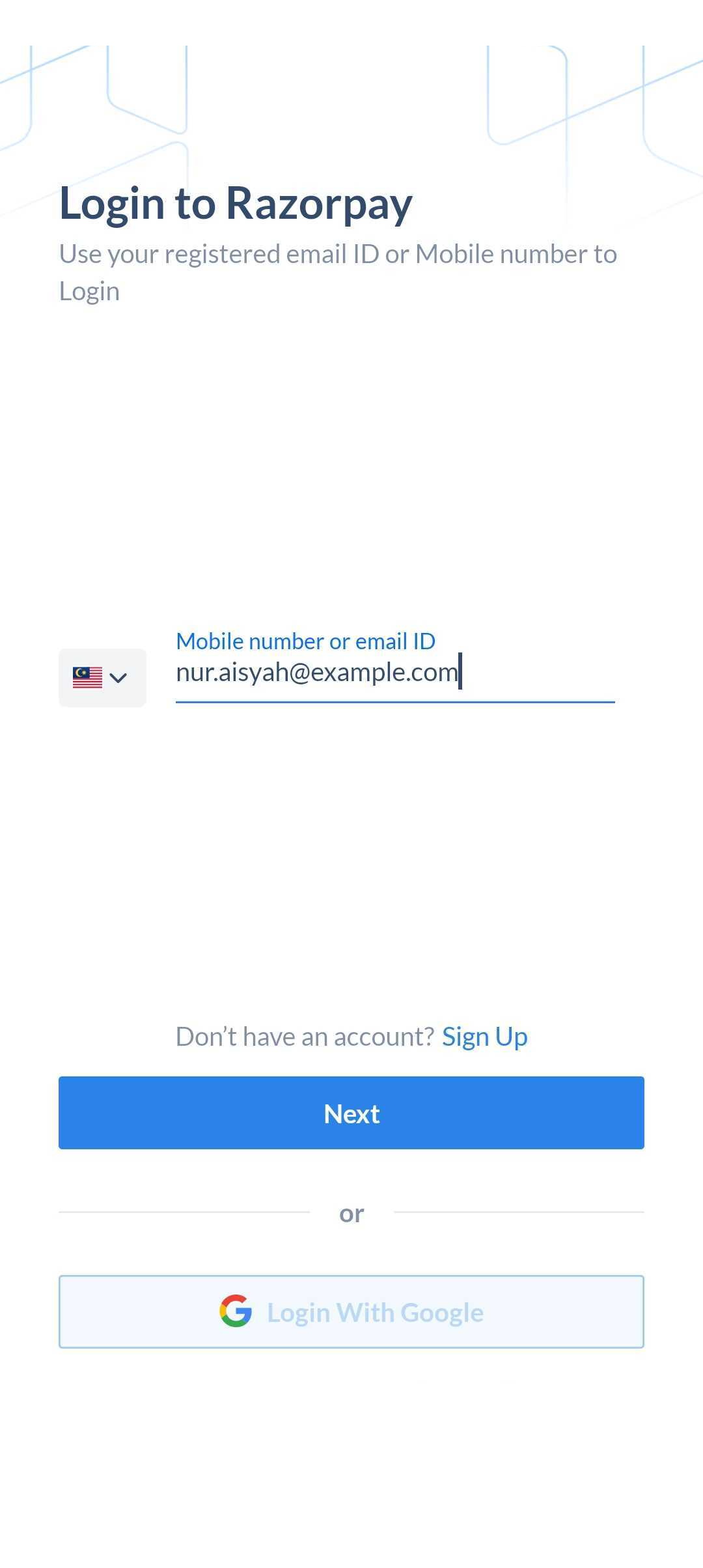
- Navigate to Transactions → Payments.
- A list of payments appears. You can also filter the payments by:
- Date
- Status
- Tap on a payment to view details such as:
- Payment state, payment id, creation date, payment method, notes and fees breakup.
- Refund initiated for a specific payment, if any.
- You can also choose to initiate refunds from this screen.
Analyse Payment Trends
Follow these steps to analyse payment trends:- Log in with your Dashboard credentials.
-
On the graph, tap the zoom arrow icon to open the Payment Insights screen.
- You can choose to view payments for a specific month, week or a preferred time period.
- Tap on the graph to view a list of payments for the specified time period.